 English
 Arabic
Welcome to Uniform GW! In this quick guide, we'll show you how to register as a new seller on our platform.
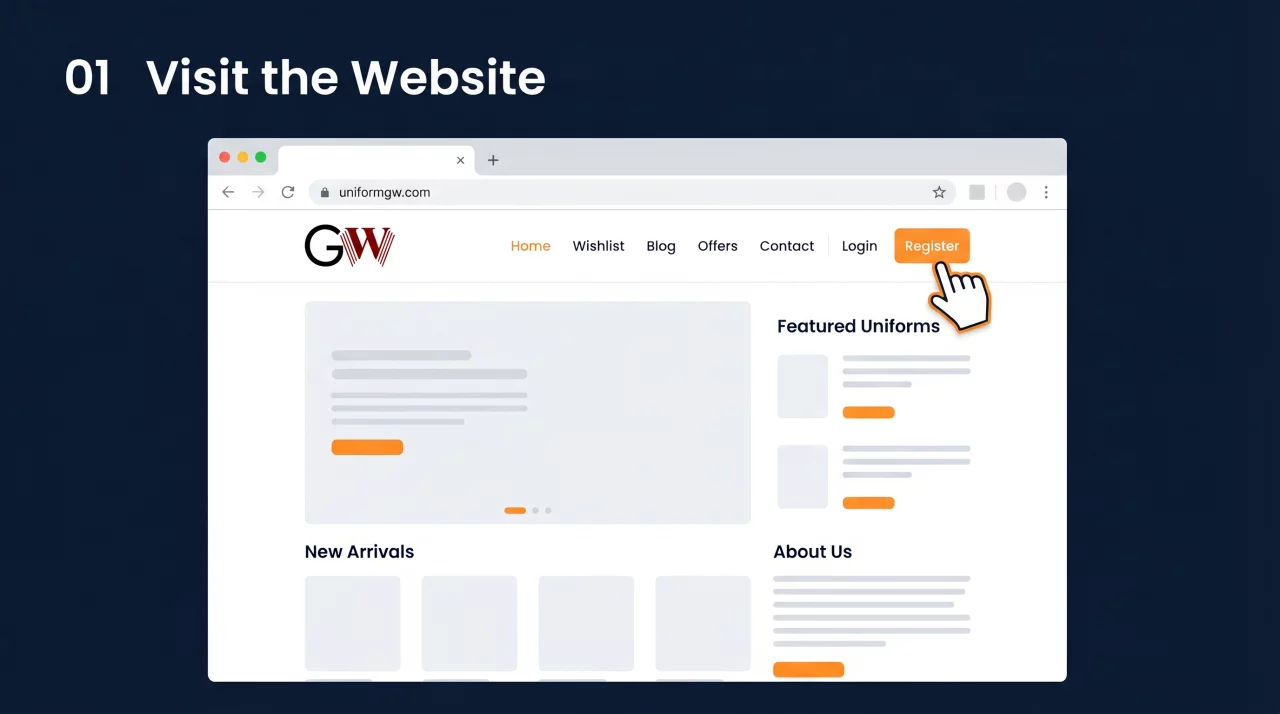
First, open your browser and go to uniformgw.com. On the home page, click the Register button in the top navigation menu.
You'll see the registration page with three options. Connect with Facebook, connect with Google, or register with your email address.
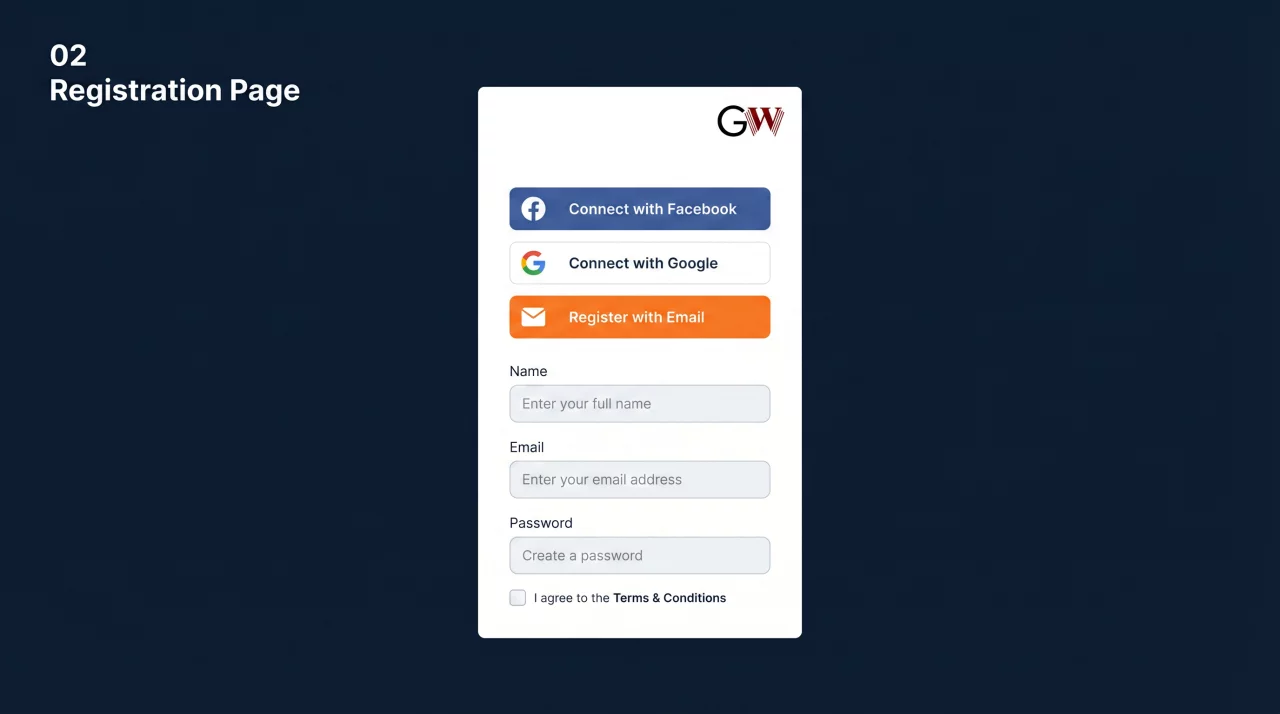
Fill in your details, your full name, email address, phone number, and create a secure password.
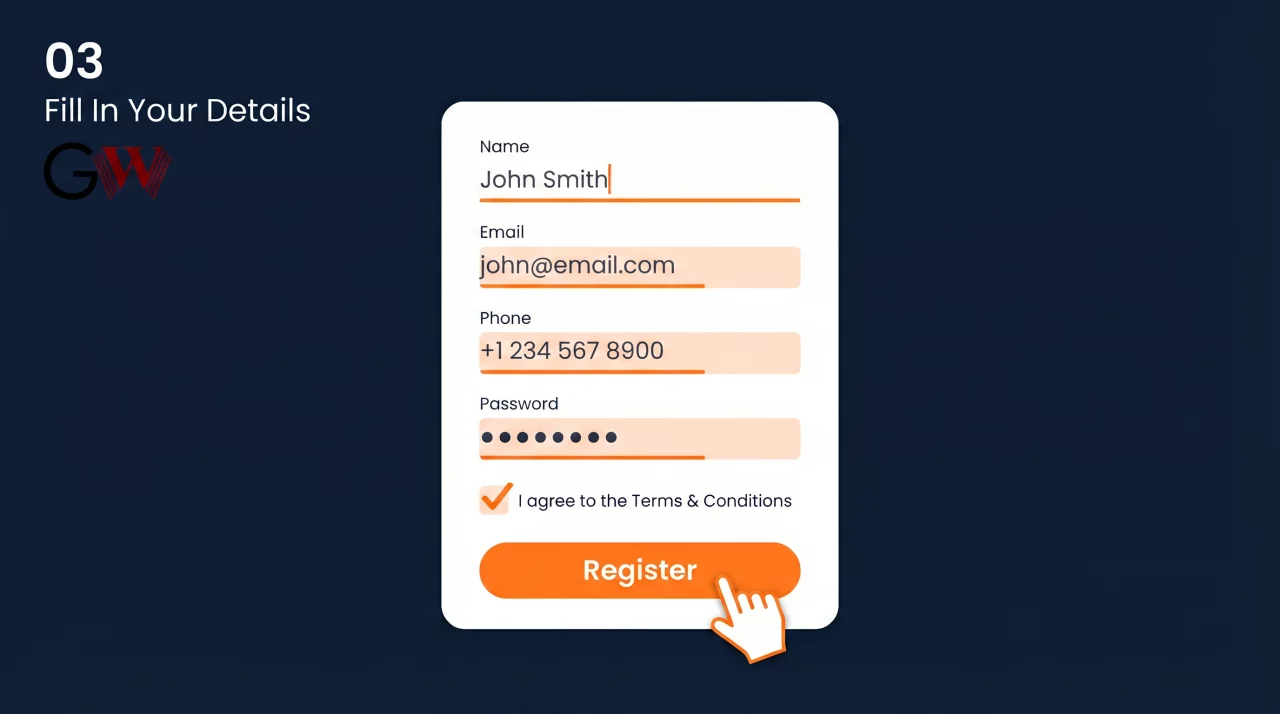
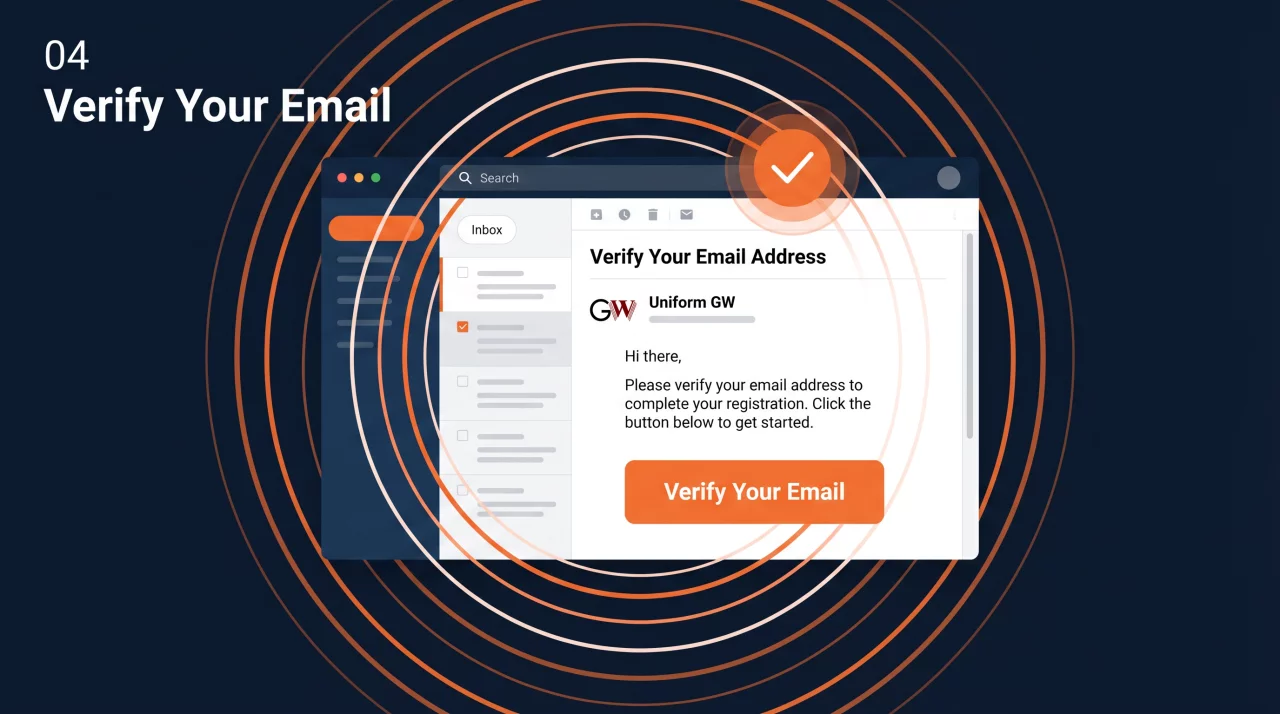
Make sure to read and agree to the terms and conditions, then click Register. Next, check your email inbox for a verification message from Uniform GW. Click the Verify Your Email button to confirm your account.
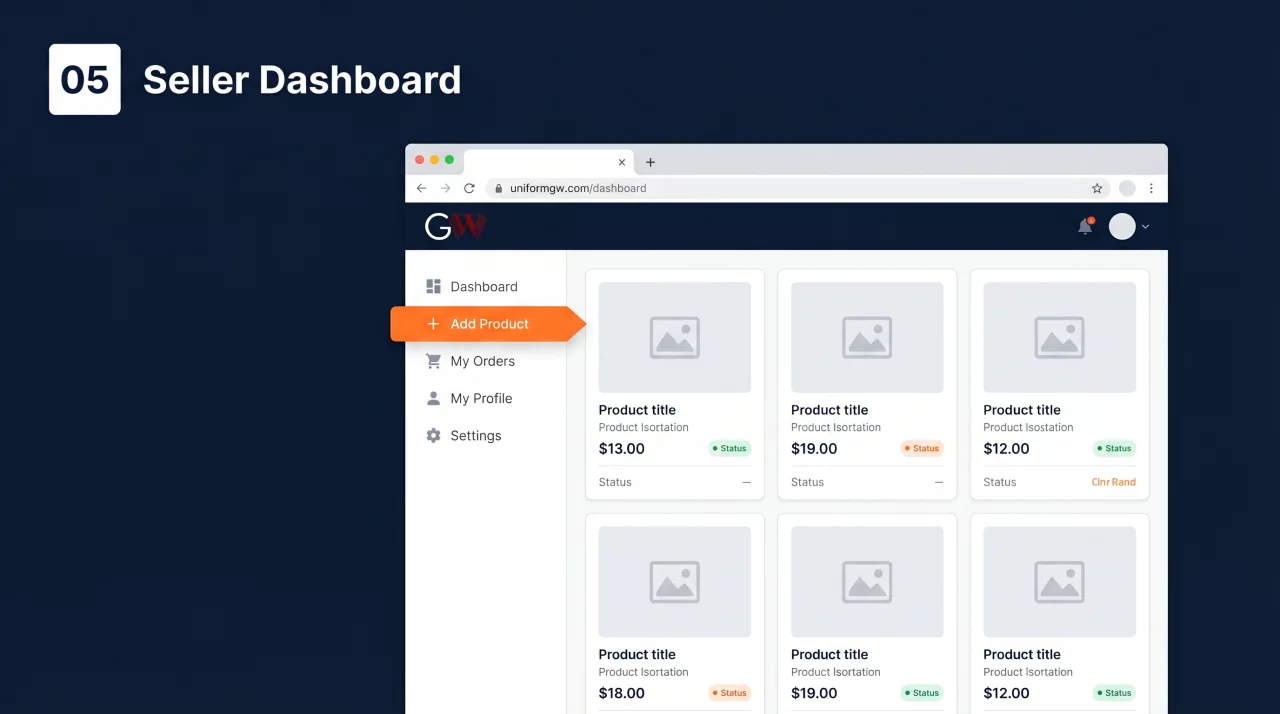
Once verified, log in and head to your Seller Dashboard. Here you can start adding your products, manage orders, and grow your business on Uniform GW.
That's it! You're all set to start